Android · Tips & Tricks
Best Android Hidden Features You Probably Didn't Know
Your phone can do a lot more than you think — buried inside settings you've never opened.
I've been using Android for over eight years, and I still occasionally stumble across a setting or feature that makes me think — why didn't I know this sooner? Android is packed with genuinely useful things that are buried so deep in menus that most people never find them.
These aren't tricks that require root access or third-party apps. Everything here is built right into Android — you just have to know where to look. Some of these will save you time every single day. Others will quietly make your phone more secure or more comfortable to use. All of them are worth knowing.
What You're About to Discover
Here's a quick look at the features covered — so you can jump straight to what sounds most useful.
| # | Feature | Why It Matters | Difficulty |
|---|---|---|---|
| 1 | Developer Options | Speed up your phone instantly | Easy |
| 2 | Second Space / Dual Apps | Two accounts on one phone | Easy |
| 3 | Screen Pinning | Lock one app for others to use | Easy |
| 4 | Clipboard History | Access everything you've copied | Easy |
| 5 | Built-in Screen Recorder | No app needed to record screen | Easy |
| 6 | One-Handed Mode | Use big phones comfortably | Easy |
| 7 | Smart Lock | Skip lockscreen at trusted places | Easy |
| 8 | Permission Auto-Reset | Auto-revoke unused app access | Easy |
1. Developer Options — The Hidden Speed Booster
This is one of those Android secrets that tech people have known for years but somehow never makes it into mainstream conversation. Buried inside Developer Options is the ability to reduce your phone's animation speed — and when you do, the phone feels immediately and noticeably faster.
To be clear: the phone isn't actually running faster. But since you spend a large chunk of your phone time watching transitions and animations between apps, cutting their duration in half makes every single interaction feel snappier. It's a perception trick, but it's a really effective one.
# Unlock Developer Options (works on all brands)
Settings → About Phone → Software Information
→ Tap "Build Number" 7 times quickly
→ "You are now a developer!" appears

# Samsung: Settings → About Phone → tap Build Number
# Xiaomi:  Settings → About Phone → tap MIUI Version
# Realme:  Settings → About Device → Version → tap 7 times

# Now reduce animations
Settings → Developer Options → scroll down to:
→ Window animation scale     → 0.5x
→ Transition animation scale → 0.5x
→ Animator duration scale → 0.5x2. Dual Apps & Second Space — Two Accounts, One Phone

If you run two WhatsApp numbers, two Instagram accounts, or want to keep work and personal completely separate on one device — Android has this built in. Most people either buy a second phone or use a third-party workaround. You don't need to.
Dual Apps (Samsung, Xiaomi, Realme) lets you install two copies of the same app side by side — two WhatsApps, two Instagrams, each with its own login. Second Space (Xiaomi) goes further — it creates an entirely separate Android environment with its own apps, accounts, and data. Think of it like two phones in one.
# Dual Apps — Samsung
Settings → Advanced Features → Dual Messenger
→ Toggle on WhatsApp, Telegram, etc.

# Dual Apps — Xiaomi MIUI
Settings → Apps → Dual Apps
→ Toggle on any supported app

# Dual Apps — Realme / OnePlus
Settings → Utilities → Dual Space / Parallel Apps

# Second Space — Xiaomi only
Settings → Special Features → Second Space
→ Set up a completely separate user environment3. Screen Pinning — Hand Your Phone to Someone Safely
This one is genuinely underused. Ever handed your phone to someone to show them a photo — and then watched them start swiping through your gallery? Screen Pinning locks the display to a single app. The person using it can't go home, switch apps, or access anything else until you unpin it with your PIN or fingerprint.
It's useful for letting kids watch YouTube without them buying things, letting someone use Maps in your car without touching your messages, or showing someone a photo without giving them access to the rest of your phone.
# Enable Screen Pinning
Settings → Security → Advanced → Screen Pinning
→ Toggle ON
→ Enable "Ask for PIN before unpinning" (recommended)

# How to pin an app
1. Open the app you want to lock to
2. Tap the Recents (square) button
3. Tap the app's icon at the top of its card
4. Select "Pin" from the menu

# To unpin
Hold Back + Recents buttons simultaneously
→ Enter PIN / fingerprint to fully unlock4. Clipboard History — Stop Losing What You Copied
How many times have you copied something, then copied something else by accident, and lost the first thing forever? Android's clipboard only holds one item at a time by default — but most keyboards have a clipboard history feature that keeps a log of everything you've copied.
Gboard, Samsung Keyboard, and most other built-in keyboards have this. Once you turn it on, you can tap back through your copy history and paste anything from it. OTP codes, addresses, links you copied an hour ago — all there.
# Enable Clipboard History on Gboard
1. Open any text field to bring up the keyboard
2. Tap the Clipboard icon in the top row
   (looks like a small clipboard / rectangle)
3. Tap "Turn on Clipboard"
4. Now everything you copy is saved here

# Samsung Keyboard
1. Open keyboard → tap the three-dot menu (···)
2. Tap Clipboard
3. Toggle on "Clipboard" to save history

# To access saved items
Long-press any text field → tap Clipboard
→ Tap any saved item to paste it instantly5. Built-in Screen Recorder — No App Needed
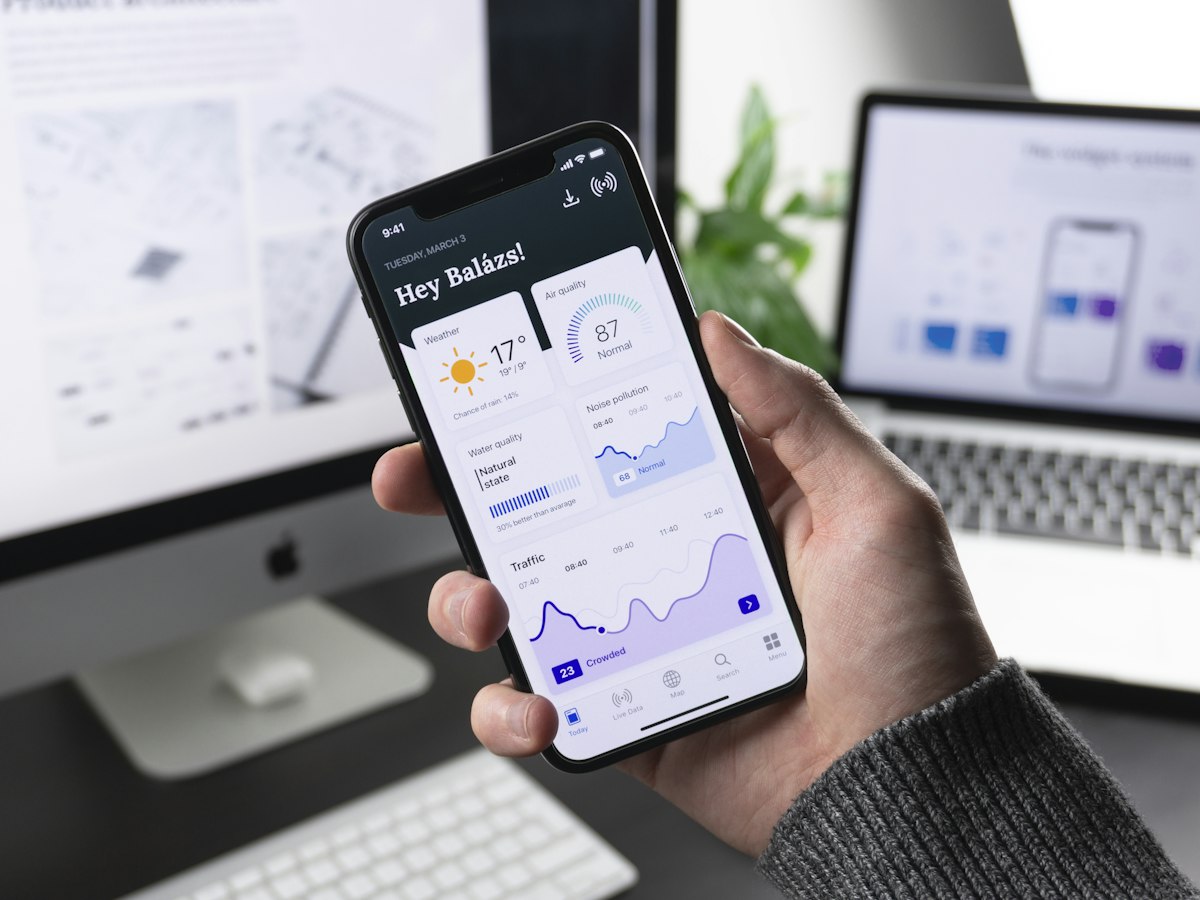
A lot of people still download third-party screen recorder apps when Android has had a native one built in since Android 11. It's in your Quick Settings panel — swipe down twice to see it. If it's not visible, you can add it from the panel editor.
The built-in recorder saves to your gallery, can record internal audio, and on most brands lets you draw on screen while recording. For tutorials, bug reports, saving a video call moment — it's all you need.
# Using the built-in screen recorder
1. Swipe down twice to open full Quick Settings
2. Look for "Screen Recorder" tile
   (If missing: tap the pencil/edit icon → drag it in)
3. Tap Screen Recorder → choose audio settings:
   → No audio
   → Device sounds (internal audio)
   → Microphone
   → Both
4. Tap Start — recording begins after a 3-sec countdown
5. Tap the red stop button in the notification bar to finish
6. Video saves automatically to your Gallery / Screenshots folder6. One-Handed Mode — For Phones That Are Too Big to Use
Flagship phones have gotten comically large. If you're trying to reach the top-left corner of a 6.7-inch display with one hand, you're basically doing gymnastics. One-Handed Mode pulls the entire display down to the lower half of the screen so your thumb can actually reach everything.
Samsung, Xiaomi, OnePlus, and stock Android all have this. It's usually off by default, tucked inside Accessibility or Display settings, which is why most people never use it despite genuinely needing it.
# Enable One-Handed Mode

# Stock Android / Pixel
Settings → System → Gestures → One-Handed Mode → ON
Trigger: Swipe down on the bottom edge of screen

# Samsung One UI
Settings → Advanced Features → One-Handed Mode → ON
Trigger: Double-tap the home bar or swipe down on nav bar

# Xiaomi MIUI
Settings → Additional Settings → One-Handed Mode → ON
Trigger: Swipe from centre to edge of nav bar

# Realme / OnePlus
Settings → Convenience Tools → One-Handed Mode → ON7. Smart Lock — Stop Unlocking Your Phone Every 30 Seconds
Smart Lock is one of those features that sounds like a security risk until you actually understand how it works — and then it becomes something you wonder how you lived without. It keeps your phone unlocked automatically under conditions you define: when you're at a trusted location, connected to a trusted Bluetooth device, or when the phone is on your body.
The classic setup: add your home as a trusted place. When you're home, your phone stays unlocked. The moment you leave, it locks automatically. No more typing your PIN just to check a notification on your own sofa.
# Set up Smart Lock
Settings → Security → Smart Lock
(May be under Advanced or Lock Screen settings)

# Smart Lock options:
→ Trusted Places   — stays unlocked at your home / office (GPS)
→ Trusted Devices  — stays unlocked when paired Bluetooth is nearby
                     (e.g. your car, smartwatch, earbuds)
→ On-Body Detection — stays unlocked while in your hand / pocket
                     (locks when you set it down)

# Recommended setup
Add Home as a Trusted Place +
Add your car / earbuds as a Trusted Device8. Permission Auto-Reset — Apps Can't Spy On You Quietly
Here's one most people don't know exists: Android can automatically revoke permissions from apps you haven't used in a while. So if you installed some random app three months ago, granted it microphone access, and then forgot about it — Android will quietly take that permission back without you having to do anything.
This is genuinely important from a privacy standpoint. Apps that sit dormant on your phone but still hold camera, microphone, or location permissions are a real risk. Auto-reset eliminates that entire category of problem automatically.
# Enable Permission Auto-Reset
Settings → Apps → [Select any app] → Permissions
→ Look for "Remove permissions if app is unused" → ON

# Enable for all unused apps at once
Settings → Privacy → Permission Manager
→ Check if "Pause app activity if unused" is enabled

# Android 12+ — it's on by default for new app installs
# For older apps, check manually per app or via:
Settings → Apps → Unused Apps → review and removeBonus: Quick Features Worth Turning On Right Now
These deserve a mention even without a full deep-dive — each one is a 30-second setup that pays off immediately.
- Tap to Wake — double-tap the screen to wake it instead of pressing the power button. (Settings → Display → Tap to Wake)
- Scheduled Dark Mode — automatically switches to dark mode at sunset and back at sunrise. (Settings → Display → Dark Mode → Schedule)
- Quick Tile Editor — drag your most-used toggles to the top row of Quick Settings so they're always one swipe away. (Swipe down → tap pencil icon)
- Emergency SOS — pressing the power button 5 times rapidly calls emergency services. Make sure it's enabled. (Settings → Safety & Emergency → Emergency SOS)
- Bedtime Mode — automatically silences notifications, grayscales the screen, and enables Do Not Disturb at a set time. (Digital Wellbeing → Bedtime Mode)
- Back Tap (Pixel / some OEMs) — double or triple-tapping the back of your phone triggers a shortcut. (Settings → System → Gestures → Quick Tap)
Frequently Asked Questions
▸ Does enabling Developer Options void my warranty or root the phone?
Not at all. Developer Options is a standard Android menu that Google ships on every device — it's just hidden by default. Enabling it and adjusting animation scales is completely safe, doesn't alter system files, and is fully reversible. It has nothing to do with rooting.
▸ I can't find some of these features on my phone — why?
Menu names differ significantly between manufacturers. Samsung calls things differently from Xiaomi, which differs from Realme or OnePlus. The fastest fix: open Settings and use the search bar at the top — type the feature name and it'll find the right menu regardless of where it's buried on your specific device.
▸ Is Smart Lock safe to use? Won't my phone be vulnerable?
Smart Lock is safe when used thoughtfully. Trusted Places (home) and Trusted Devices (your own Bluetooth gadgets) are the most secure options. On-Body Detection is less precise — the phone can stay unlocked if someone else picks it up immediately after you set it down. Use Trusted Places + Trusted Devices and skip On-Body Detection for the best balance.
▸ Does Dual Apps / Dual Messenger work with every app?
No — only apps that support multiple instances or that manufacturers specifically whitelist. WhatsApp, Telegram, Instagram, Facebook, and Snapchat are typically supported. Banking apps and some others won't appear in the Dual Apps list. The list varies by brand and Android version.
▸ Will clipboard history save my passwords — is that a risk?
It can, yes. If you copy a password manually, it will appear in clipboard history. Most password managers use secure autofill that bypasses the clipboard entirely — which is another good reason to use one. In Gboard, you can delete individual clipboard items or set them to expire. Avoid copying passwords manually if you can help it.
Conclusion
Android gives you a huge amount of control over how your phone works — but most of it requires you to actually go looking. None of the features above cost anything, require any technical knowledge, or carry any real risk. They're just sitting there waiting to be turned on.
If you do nothing else from this article, go to Developer Options and reduce your animation scales right now. It takes 90 seconds and makes a difference you'll notice immediately. Then work through the rest at your own pace — each one is genuinely worth the two minutes it takes to set up.
Start with these three — in this order
1. Reduce animation scale (Developer Options) → feels faster instantly
2. Enable Smart Lock → stop unlocking your phone every minute at home
3. Turn on Clipboard History → never lose a copied text again
The rest are all worth it — but those three alone will change how you use your phone every day.