
AI & Tools · 2026
Free AI Tools That Feel Illegal to Use — But Aren't
These tools are so capable they genuinely don't feel like they should be free. They are. Here's what they do.
Some tools just feel too good to be free. You use them once, get a result that would have taken you an hour to produce manually, and immediately wonder what the catch is. These are those tools. They're not sketchy, they're not pirated, and they're not going to get you in trouble. They just happen to be genuinely powerful and — for now at least — available without paying.
The "feels illegal" part isn't about doing anything wrong. It's about the gap between what these tools produce and what you'd expect to cost money. A professional-grade video edit in two minutes. A fully voiced audio version of any article. An AI model running entirely on your own laptop with no internet required. That kind of capability used to cost either significant money or significant expertise — sometimes both. Not anymore.
Why Genuinely Powerful Tools Are Sometimes Free
It's a fair question. If something is this good, why isn't it behind a paywall? The reasons vary by tool — but a few patterns explain most of it.
| Reason It's Free | What's Really Going On | Sustainable? |
|---|---|---|
| Open source | Community-built, no profit motive required | Yes |
| VC-funded growth | Free now to build user base, paid later | Maybe |
| Research release | Labs releasing models to study real-world use | Yes |
| Freemium funnel | Free tier converts a % to paid plans | Yes |
The tools below span all four categories. Where the free tier might not last forever, that's worth mentioning — but right now, today, they're all fully usable without spending anything.
1. Suno — Full Songs From a Text Prompt
Type a description. Get a full song — vocals, instruments, lyrics, production — in about thirty seconds. That's Suno. Not a jingle, not a loop. A complete, structured track with a verse, chorus, bridge, proper instrumentation, and a real vocal performance, all generated from whatever you describe.
The output quality is genuinely startling the first time. Ask for a melancholic lo-fi hip hop track about missing home, or an 80s power ballad about debugging code, or a country song from the perspective of a confused golden retriever — and you'll get exactly that, produced to a standard that sounds like it came out of a real studio. It doesn't always nail the lyrics, but the musical production is often excellent.
# What Suno can generate
- Full songs with AI vocals (any genre)
- Instrumental-only tracks
- Songs from custom lyrics you write
- Covers in different styles
- Jingles, intros, background music

# Free tier
- 50 credits per day (roughly 10 songs)
- Songs can be played and shared freely
- Commercial use requires a paid plan
- No watermark on free outputs

# How to use it
→ Go to suno.com
→ Click "Create" and describe your song
→ Hit generate — results appear in ~30 seconds
→ Download or share directly from the site2. Runway — Video Editing That Used to Need a Studio
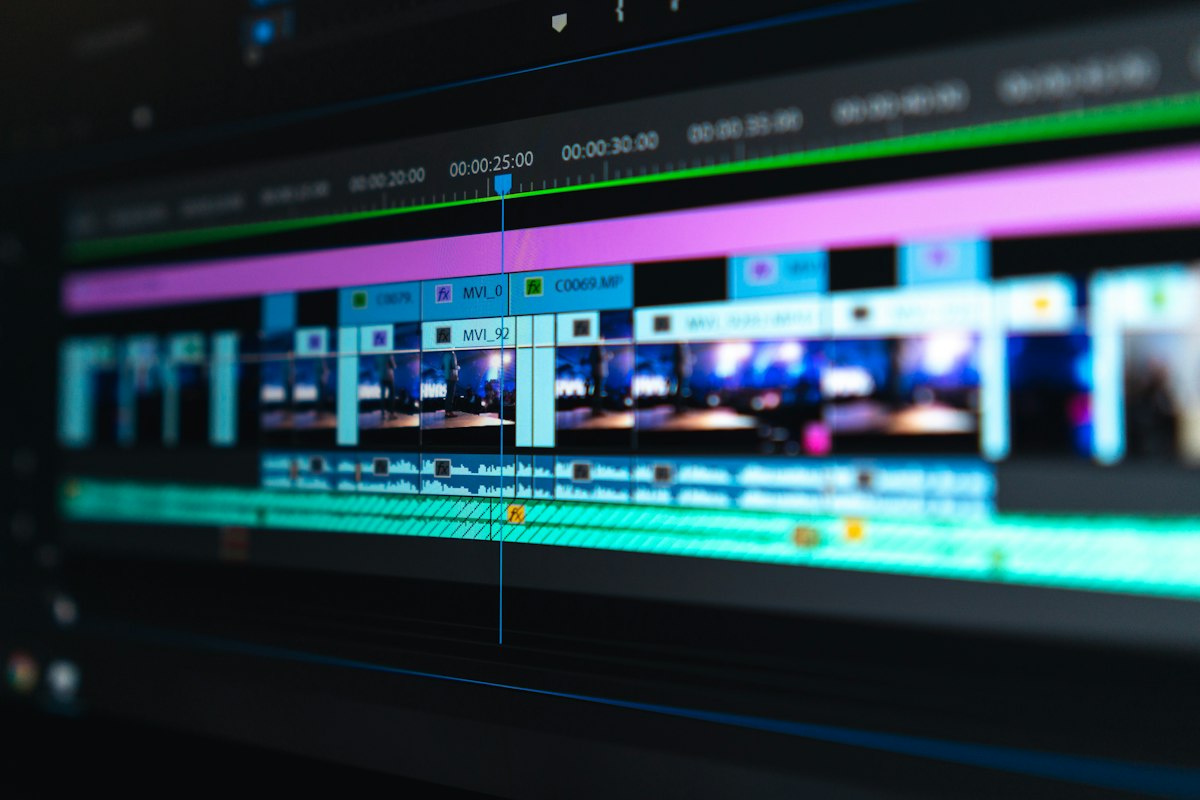
Runway does things with video that would have required a professional VFX team a few years ago. Remove a background from a video clip without a green screen. Erase a moving object frame-by-frame automatically. Generate a short video from a text description or a reference image. Slow motion from standard footage. Colour grading from a mood description.
The free tier is limited in video length and export resolution, but it's enough to genuinely test every major feature. For short social media content, product demos, or experimenting with video effects that would otherwise need expensive software and expertise, it's a significant capability jump for zero cost.
# Runway features available on free tier
- Background removal (video, no green screen needed)
- Object and person removal from footage
- Text-to-video (short clips from descriptions)
- Image-to-video (animate a still image)
- AI colour grading and style transfer
- Slow motion generation from standard clips

# Free tier limits
- 125 credits on sign-up
- Exports at standard resolution
- Watermark on some exports (removable on paid)
- Video length capped per generation

# Best use cases on free
→ Social media clips and Reels content
→ Removing unwanted backgrounds from phone footage
→ Animating product photos for ads or demos
→ Quick VFX tests without buying software3. Whisper — Transcribe Any Audio File, Any Language
OpenAI released Whisper as a free, open-source speech recognition model — and the accuracy is genuinely better than most paid transcription services. Upload an audio file in almost any format, in almost any language, and it transcribes it with timestamps and speaker-approximate formatting. A one-hour interview comes back as a clean, readable text file in a couple of minutes.
The easiest way to use it without any technical setup is through Hugging Face Spaces, where several community-built Whisper interfaces let you upload audio directly in the browser. No account needed, no installation, nothing to configure. For longer files or offline use, the model can be run locally — which is where it gets genuinely unusual, because a tool this accurate running on your own machine with no internet required is not something that existed at any price a few years ago.
# Ways to use Whisper for free
Option 1 — Browser (no install)
→ huggingface.co/spaces — search "Whisper"
→ Upload audio file, get transcript in minutes
→ No account required on most Spaces

Option 2 — Local (runs offline, totally private)
→ Install via: pip install openai-whisper
→ Run: whisper yourfile.mp3 --model medium
→ Transcript saved as .txt, .srt, .vtt files

# What it handles well
- Lectures, interviews, podcasts, meetings
- 99 languages with automatic detection
- Heavy accents (better than most paid tools)
- Noisy audio (not perfect, but solid)

# Free limit: None — it's fully open source4. ElevenLabs — Text to Voice That Sounds Like a Real Person

Text-to-speech has existed for decades and for most of that time it's sounded exactly like what it is — a robot reading words. ElevenLabs is different. Paste in any text, pick a voice, and the output sounds like a real person recorded it in a studio. Breathing, natural pacing, emotional tone — it's all there. The first time you hear it the reaction is usually a double-take.
The free tier gives you 10,000 characters of audio per month — roughly 10 to 15 minutes of finished audio. That's enough for a short explainer video, a podcast intro, an audiobook chapter, or narration for a social media clip. There's a library of pre-made voices across different styles and accents, plus the ability to clone a voice from a short sample on paid plans.
# ElevenLabs free tier
- 10,000 characters per month (~10–15 min audio)
- Access to the full voice library
- Adjustable stability, clarity, and style settings
- Download audio as MP3
- No watermark on free outputs

# Good use cases on the free tier
→ Narration for YouTube videos or Reels
→ Podcast intros and segment bridges
→ Audiobook chapters or story narration
→ Voiceover for presentations and slide decks
→ Accessibility versions of written content

# How to use it
→ elevenlabs.io → sign up free
→ Paste text → choose voice → adjust settings
→ Generate → download MP35. Ollama — Run AI Models Locally on Your Own Laptop
This is the one that genuinely surprises people who haven't come across it. Ollama lets you download and run large language models — the same class of models that power commercial AI chatbots — directly on your own computer, with no internet connection, no API key, no account, and no ongoing cost. Once it's installed, it runs entirely offline.
The models available include some serious options: Meta's Llama 3, Mistral, Gemma from Google, Phi from Microsoft, and dozens more. On a reasonably modern laptop — particularly one with Apple Silicon — they run fast enough to have real, useful conversations with. On a desktop with a decent GPU, the experience is close to using a cloud-based chatbot. For anyone who works with sensitive data and doesn't want it leaving their machine, this is genuinely significant.
# Getting started with Ollama
Step 1: Download from ollama.com (Mac, Windows, Linux)
Step 2: Install — takes about 2 minutes
Step 3: Open terminal and run:
        ollama run llama3
Step 4: Model downloads (~4GB for a mid-size model)
Step 5: Chat directly in the terminal, or connect
        a UI like Open WebUI for a browser interface

# Models worth trying first
- llama3       → General purpose, well-rounded
- mistral      → Fast, good for coding tasks
- gemma3       → Google's model, solid reasoning
- phi3         → Small but surprisingly capable
- deepseek-r1  → Strong at step-by-step reasoning

# What you need
- At least 8GB RAM (16GB recommended)
- ~4–8GB storage per model
- No GPU required (CPU works, just slower)6. Ideogram — AI Images That Can Actually Read
One of the longstanding weaknesses of AI image generators has been text. Ask them to put a word on a sign in an image and you'd usually get something that looked vaguely like letters but was actually gibberish. Ideogram specifically solves this. It generates images with accurate, readable, properly styled text — which opens up a whole category of use cases that other generators simply couldn't handle.
Poster designs, product mockups, typographic art, social media graphics with real words in them — all things that previously required a designer or at minimum a good handle on a design tool. Ideogram's free tier gives you a daily allowance of generations, no watermark, and quality that's genuinely competitive with paid tools.
# What Ideogram does well
- Images with accurate text (signs, posters, labels)
- Logo concepts and typographic art
- Social media graphics with real readable words
- Product mockups with text overlays
- Poster and flyer layouts from prompts

# Free tier
- Daily generation allowance (resets each day)
- No watermark on outputs
- Full resolution downloads
- No credit card required

# Tips for best results
→ Be specific about text placement in your prompt
→ Put exact text in quotes: "write 'SALE 50% OFF' on the banner"
→ Specify font style: bold, serif, handwritten, neon, etc.
→ Use the "remix" feature to iterate on results you likeAll Six Tools at a Glance
| Tool | What It Does | Free Limit | Account Needed? |
|---|---|---|---|
| Suno | Full song generation | 50 credits/day | Yes (free) |
| Runway | AI video editing & generation | 125 credits | Yes (free) |
| Whisper | Audio transcription | Unlimited (open source) | No |
| ElevenLabs | Realistic text-to-speech | 10k chars/month | Yes (free) |
| Ollama | Local AI models, fully offline | Unlimited | No |
| Ideogram | Images with accurate text | Daily allowance | Yes (free) |
Frequently Asked Questions
▸ Can I use these tools for commercial projects?
It depends on the tool. Whisper and Ollama are fully open source — you can use them commercially for free without restriction. Suno and ElevenLabs restrict commercial use to paid plans; their free tiers are for personal, non-monetised projects. Runway and Ideogram have similar limitations on the free tier. Always check the terms of service before publishing anything commercially generated by a free-tier tool.
▸ Is Ollama actually usable for non-technical people?
The basic install is straightforward — download, install, type one command. The terminal interface is minimal, but if that feels uncomfortable, Open WebUI is a free browser-based interface that sits on top of Ollama and gives you a ChatGPT-style chat window running entirely locally. Setup takes about 10 minutes with a tutorial and no coding knowledge is needed beyond copying and pasting a couple of commands.
▸ How does Suno compare to just licensing stock music?
For personal or free projects, Suno wins on flexibility — you get exactly the genre, mood, and style you want rather than browsing a library hoping something fits. For commercial work, stock music from established libraries is legally cleaner right now, since the copyright status of AI-generated music is still being tested in courts in multiple countries. Suno's paid tier does include commercial licensing, but it's worth understanding what you're getting.
▸ Will these free tiers disappear when companies need to make money?
Some of them might tighten. Suno and ElevenLabs are venture-backed, so their free tiers exist to drive user growth and will likely stay generous while that's the strategy — but could change. Whisper and Ollama are open source and can't be taken away; you can download and run them regardless of what happens to the companies involved. For cloud-based tools, enjoy the free tier while it lasts and don't build a workflow entirely dependent on its continued generosity.
▸ What laptop specs do I actually need to run Ollama?
The minimum is 8GB RAM, but 16GB makes a noticeable difference in speed and the size of models you can run comfortably. Apple Silicon Macs (M1 and newer) run Ollama particularly well due to unified memory architecture — even an M1 MacBook Air handles mid-size models usably. On Windows or Linux, an NVIDIA GPU speeds things up considerably, but CPU-only works fine for lighter models like Phi-3 or Gemma 2B.
Conclusion
The "feels illegal" sensation these tools produce is worth paying attention to — not because anything is wrong, but because it signals a genuine capability shift. Things that required professional software, specialist skills, or serious budgets eighteen months ago are now sitting behind a free sign-up or a single terminal command. That gap is closing fast, and the tools above are some of the best current examples of how far it's already moved.
If you're picking just one to try first: Suno for the sheer surprise of it, Ollama if you care about privacy and want AI running locally, and Ideogram if you regularly need graphics with text in them. All three will produce something in the first five minutes that you'll want to show someone else — which, for a free tool, is about as good a recommendation as there is.
Where to start — based on what you actually need
Need music? → Suno (suno.com)
Need video tools? → Runway (runwayml.com)
Need transcription? → Whisper (Hugging Face Spaces or local)
Need a realistic voice? → ElevenLabs (elevenlabs.io)
Need offline private AI? → Ollama (ollama.com)
Need images with text? → Ideogram (ideogram.ai)
All free. All legal. All genuinely worth your time.